AI Social Media Photo Pack
Keep your feed fresh. Generate on-trend, scroll-stopping photos optimized for Instagram, TikTok, and beyond.
Template prompt: "Trendy social media lifestyle photo, vibrant color, fashionable outfit, candid energy"
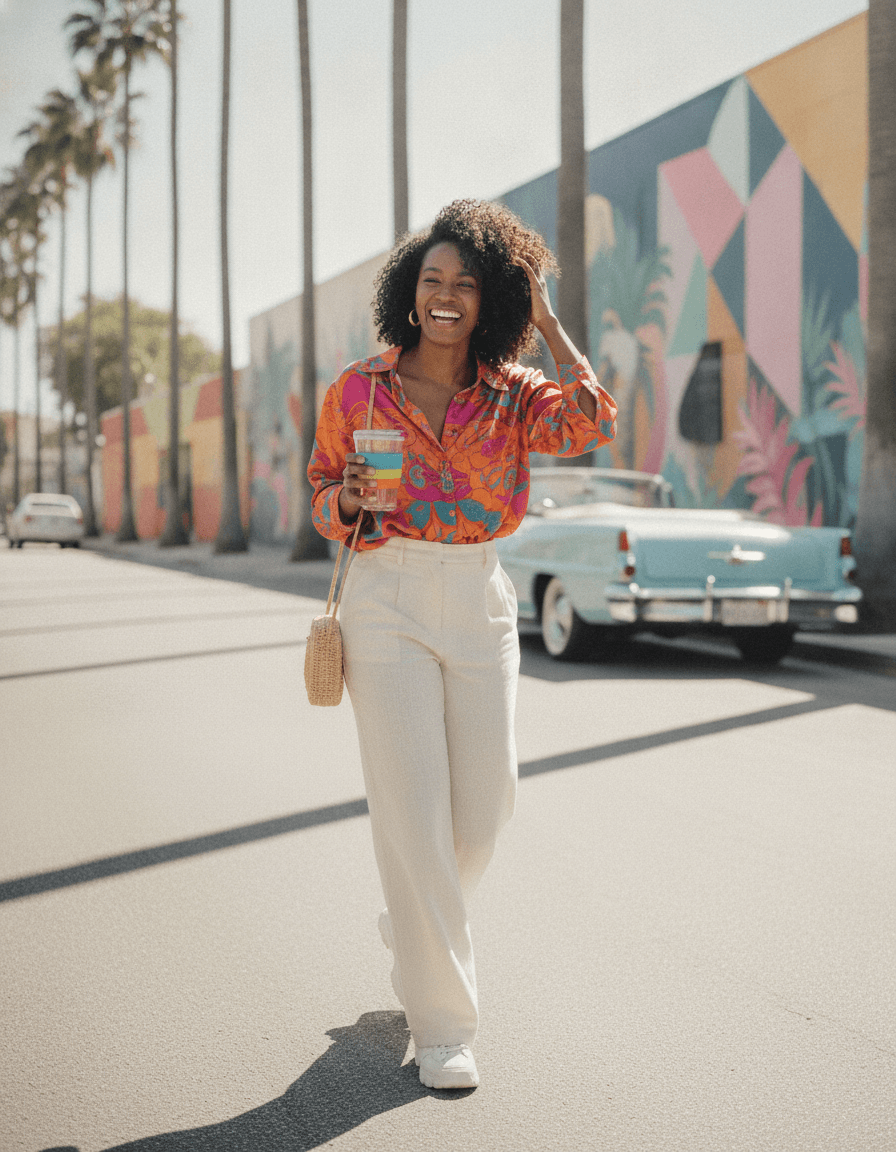 Social sample
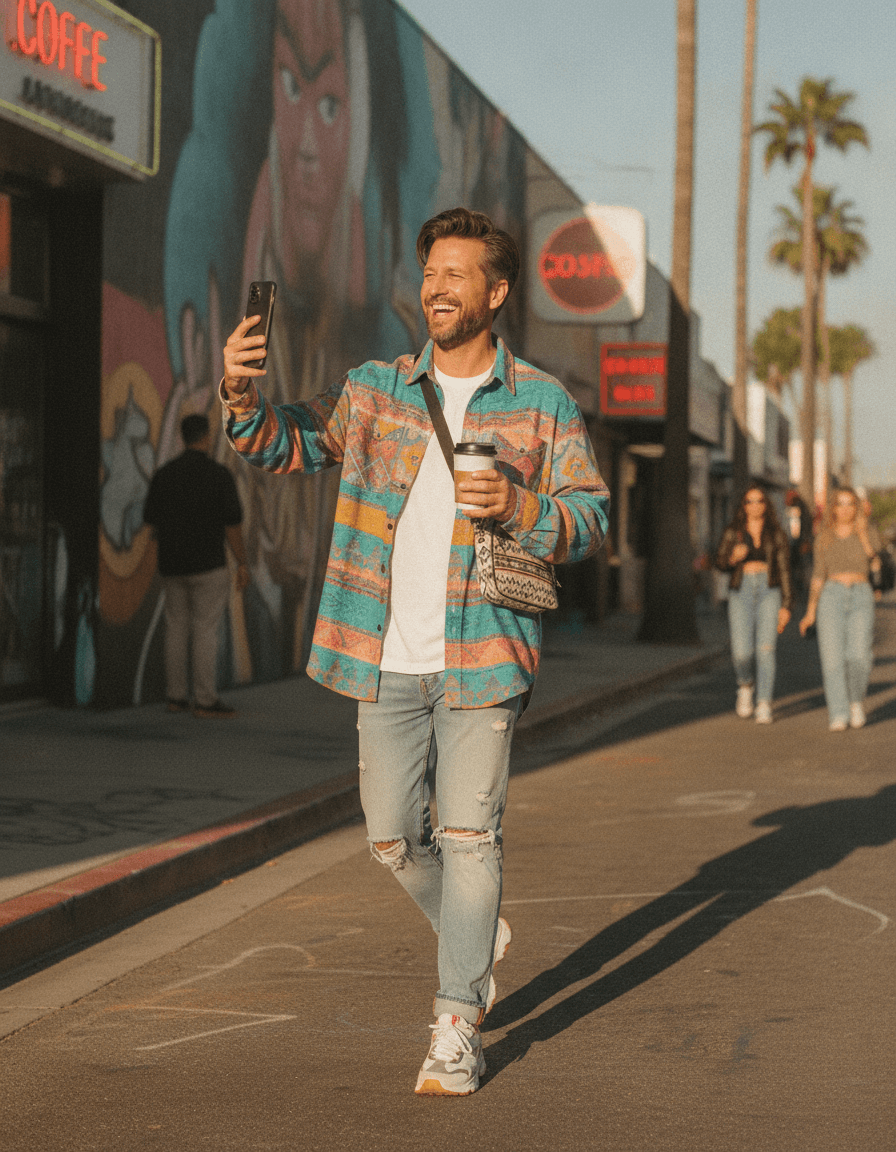 Social sample
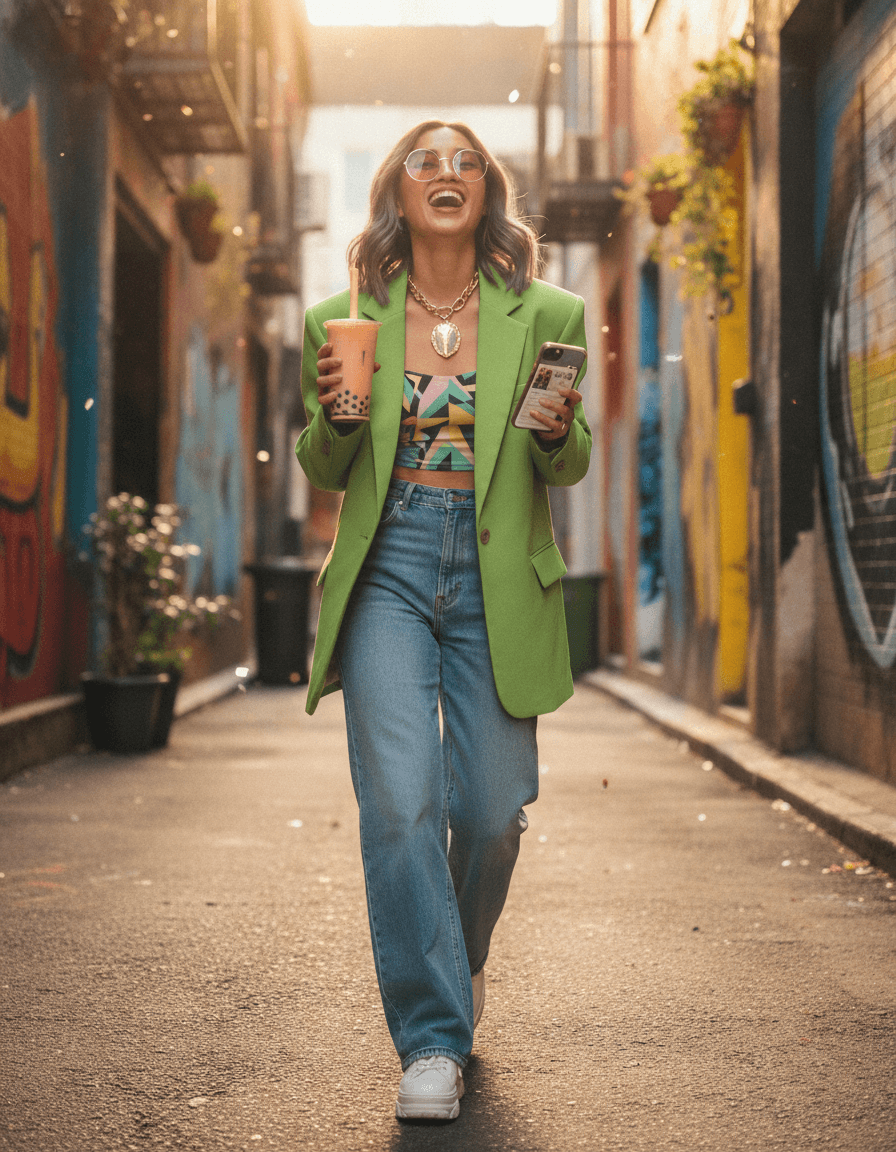 Social sample
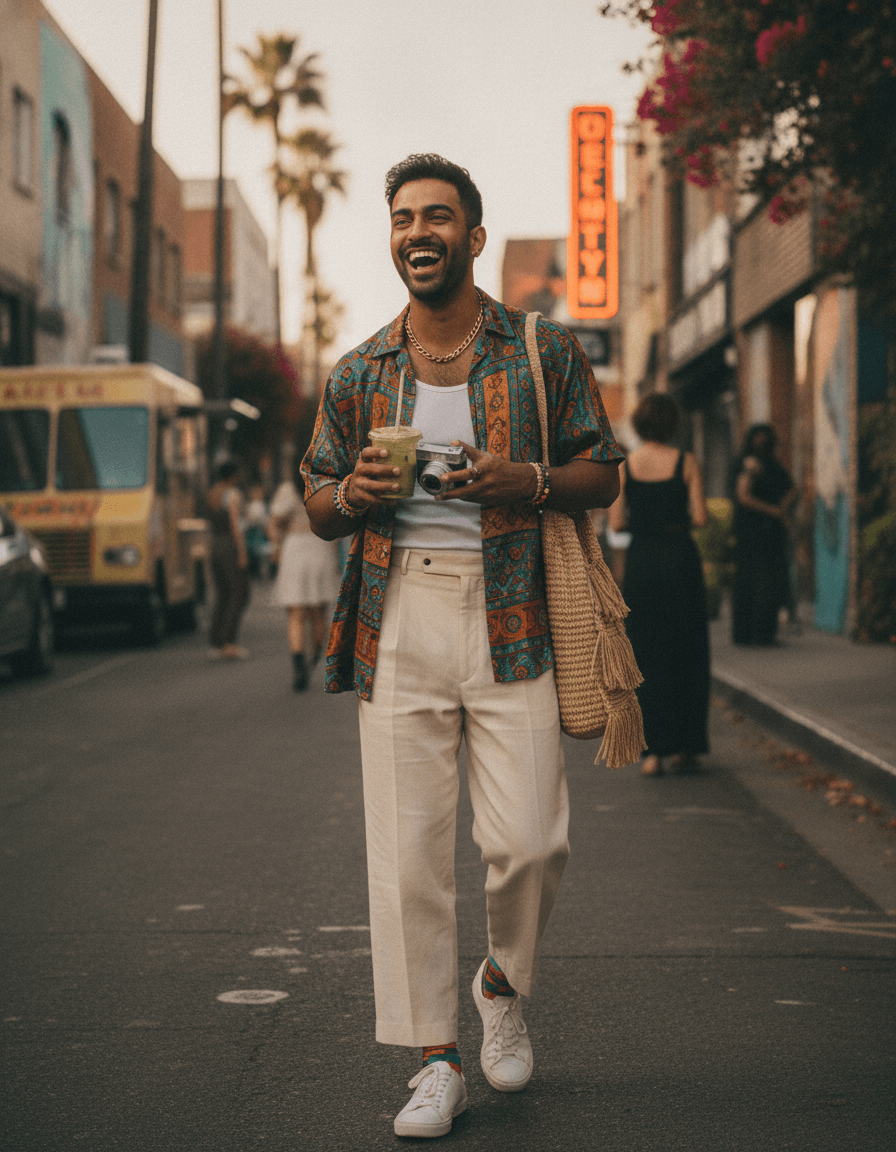 Social sample
To create social media photos with AI, upload your selfies and choose the Social pack. The AI generates on-trend, vibrant shots with candid energy in square, portrait, and story ratios — optimized for Instagram, TikTok, and beyond, so your feed always has fresh content.
The Social pack generates on-trend, vibrant photos with candid energy in square, portrait, and story ratios — content built for Instagram, TikTok, and any feed that moves fast. It is for creators, small brands, and anyone who needs a steady stream of fresh, posting-ready images without booking a shoot every week.
For the best results, upload a few clear selfies and vary your outfits and settings across the batch so one session yields weeks of content. Pick portrait (4:5) for the Instagram feed and 9:16 for Reels and TikTok in the same run. Bright, vibrant color tends to outperform muted tones in feeds, so lean into it. Expect a generous set of options — keep the frames with the strongest energy and the cleanest composition for your platform.
A consistent posting cadence is what grows a feed, and the bottleneck is usually content. Generating a varied batch up front gives you a backlog to schedule, so your channels stay active without a constant scramble for new photos.
Think of it as a content library rather than a single shoot. Batch a month of looks, drop them into your scheduler, and you free up the time you would have spent setting up shots to focus on captions, engagement, and strategy. When a trend or a new product launches, generate a fresh set the same day instead of waiting on a photographer — the speed is what keeps small creators competitive with bigger accounts that have full production budgets and standing studio time.
How it works
- 1
Upload your selfies
Add a few clear selfies so the AI can generate on-trend looks that still resemble you.
- 2
Choose the Social pack
Select the Social theme for vibrant, candid-energy shots and pick your platform aspect ratio.
- 3
Download for your feed
Grab the most scroll-stopping results in the right ratio and post them across your channels.
AI social photos vs. a content-day shoot
- And you can regenerate fresh, on-trend looks whenever your feed needs a refresh, without booking another shoot.
- Cost: a content-creation shoot can cost hundreds per session; each generated image here is 3 credits, with packs from $29.
- Volume: produce weeks of varied posts in one sitting instead of one outfit-and-location batch.
- Formats: get feed, story, and Reel ratios from the same generation rather than re-cropping or reshooting.
- Freshness: regenerate new on-trend looks anytime a format or trend shifts, without rebooking a photographer or planning another full content day.
Why Social with ProPicStudio
On-trend, vibrant looks
Optimized aspect ratios for socials
Candid, energetic feel
Endless variety
Tips for the best results
- Generate in portrait (4:5) for Instagram feed and 9:16 for Reels and TikTok in one batch.
- Vary outfits and settings across the set so you have weeks of fresh content from one session.
- Bright, vibrant color tends to outperform muted tones in social feeds.
Related reading
Social FAQ
The headshot your reputation deserves
A few selfies is all it takes — studio-quality, board-ready headshots in minutes, guaranteed to look like you.