AI LinkedIn Headshots That Get You Noticed
Your LinkedIn photo is the first thing recruiters and clients see. Upload a few selfies and get dozens of polished, on-brand headshots that make you look hireable — no photographer, no studio.
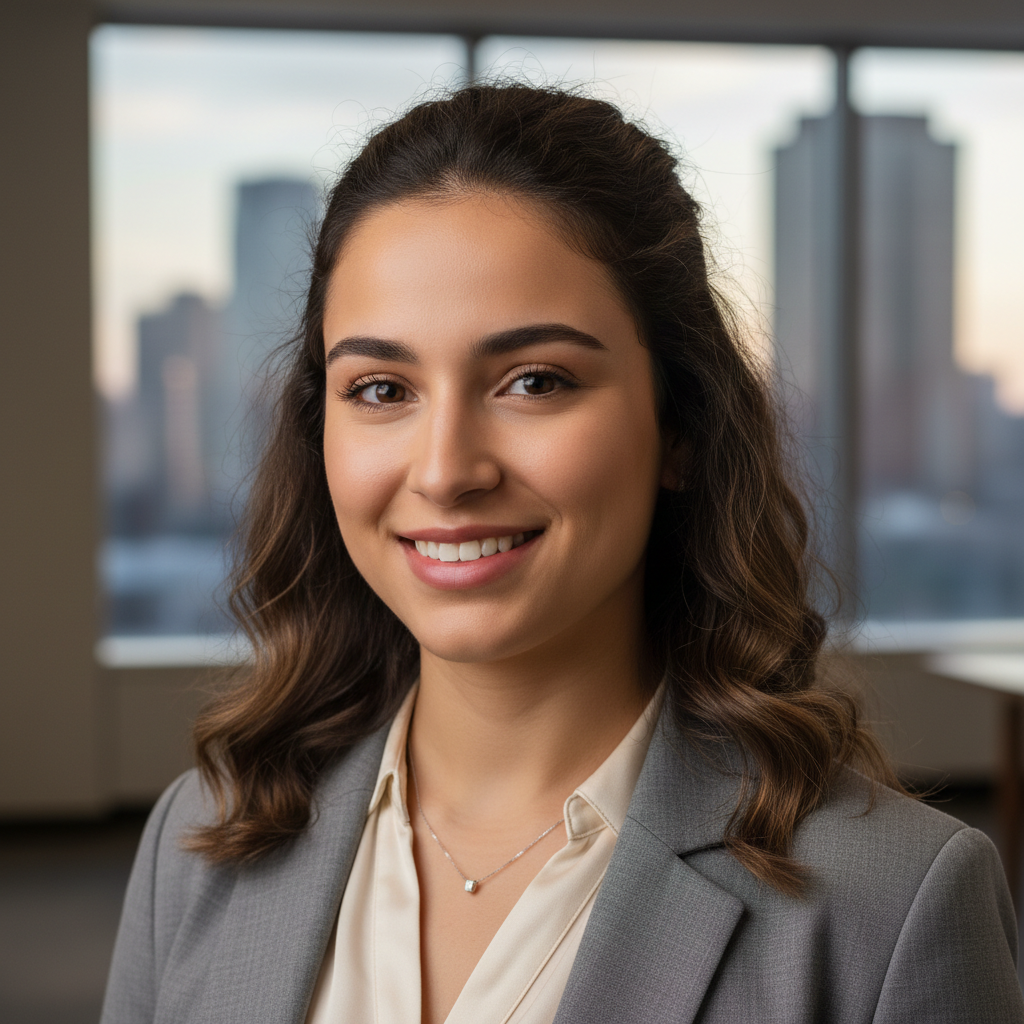 LinkedIn sample
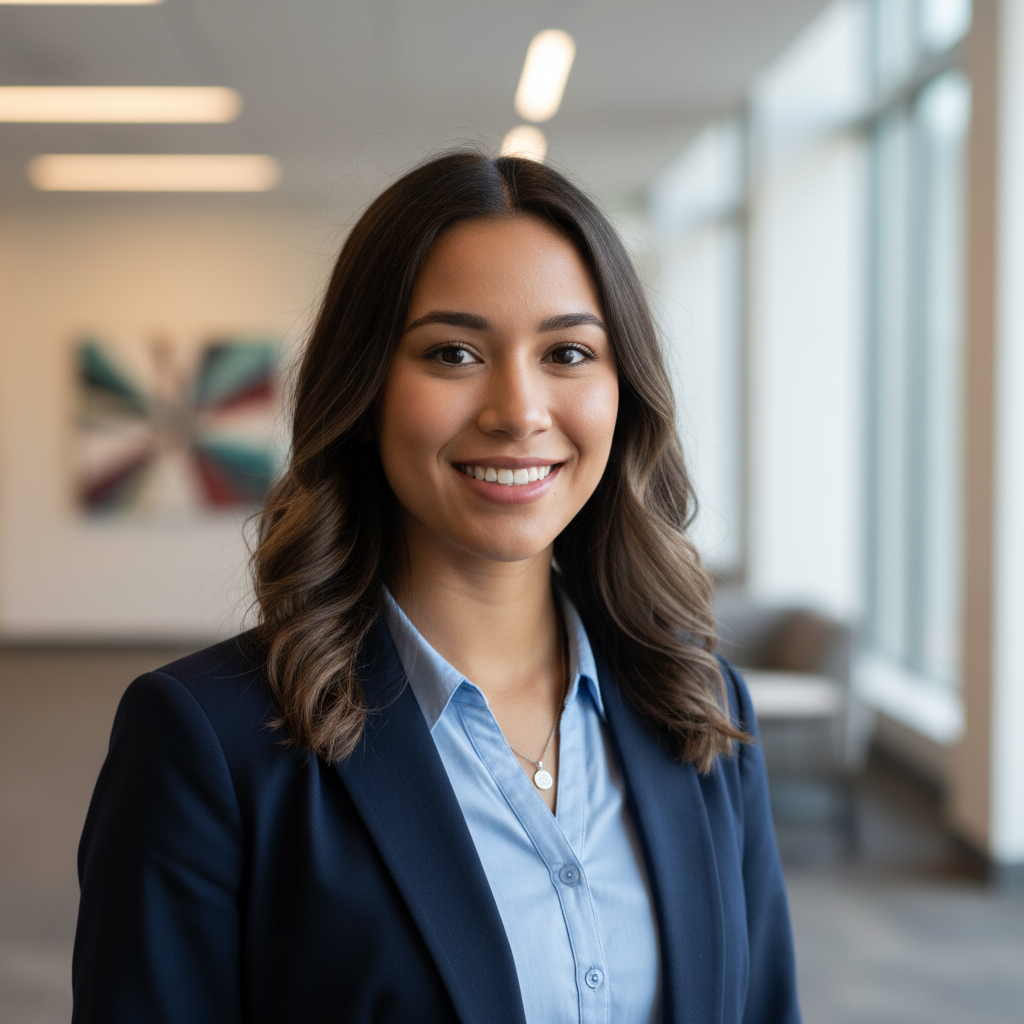 LinkedIn sample
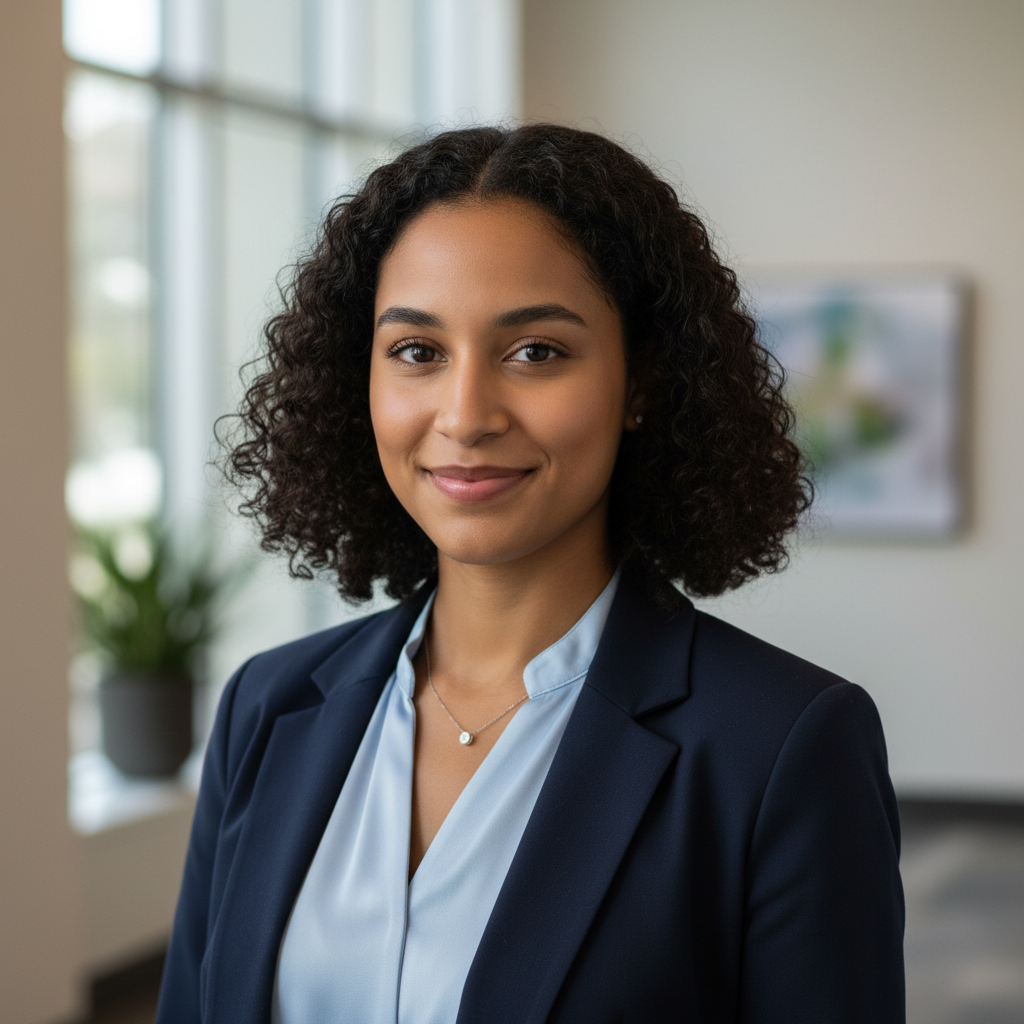 LinkedIn sample
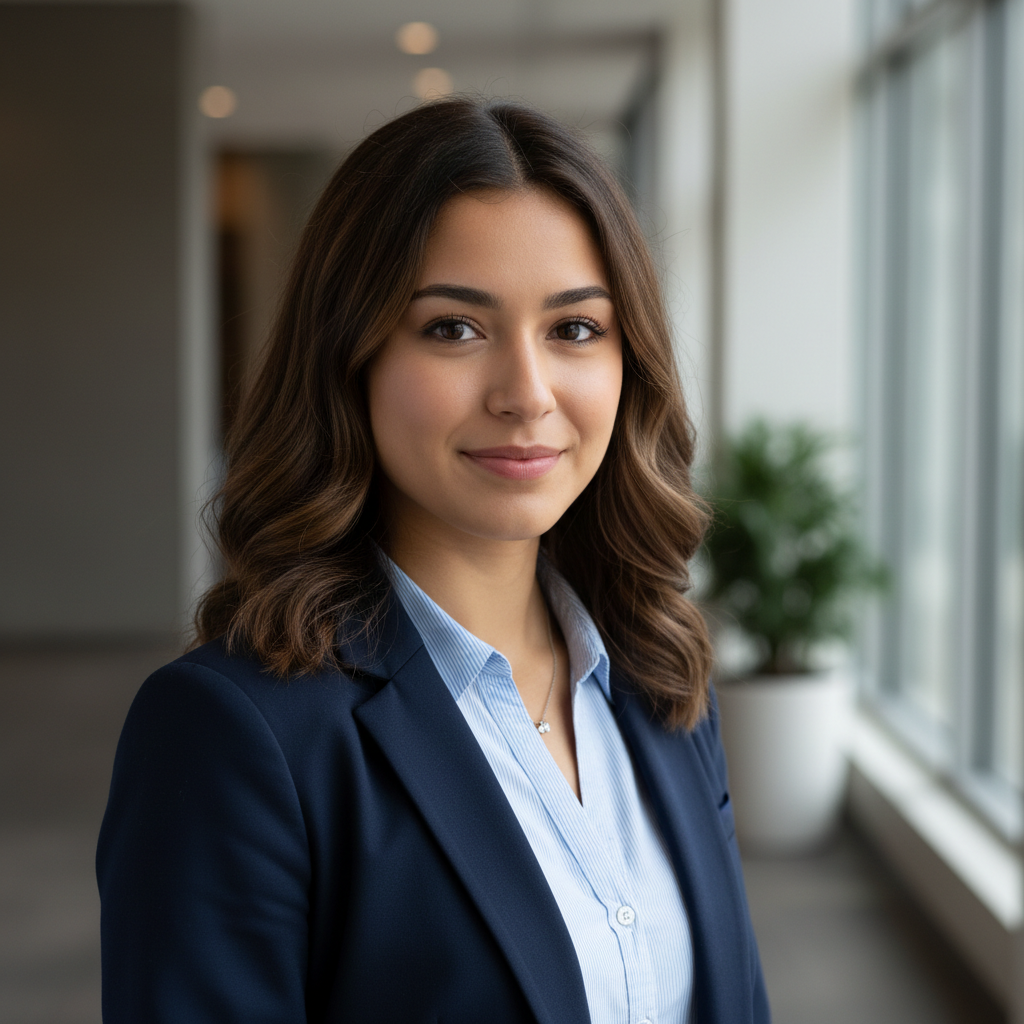 LinkedIn sample
To get a professional LinkedIn headshot, upload as few as 6 selfies to ProPicStudio and pick business-casual or business-formal styles on a clean studio or office background. You’ll get 100+ polished, looks-like-you headshots in minutes — choose your favorite in the 1:1 crop LinkedIn favors. It’s backed by a 14-day money-back guarantee.
A great LinkedIn headshot earns trust at thumbnail size: sharp focus on your face, a confident but warm expression, and a clean background that does not fight for attention. ProPicStudio learns your face from a few selfies and renders that recruiter-ready look across dozens of variations, so you can pick the one that feels most like you.
For LinkedIn, business-casual and a navy-suit option on a studio-gray or softly blurred office background read as the most hireable — exactly the mix the generator produces. The square 1:1 crop is what LinkedIn displays, so frame tight; the same shot doubles for your company bio page, conference profile, and email signature.
Worried about looking over-processed? Keep the enhancement slider mid-range so colleagues who meet you in person still recognize you. Because each run produces a full gallery, you can compare a formal versus a relaxed look and keep whichever lifts your profile views.
For the best LinkedIn result, upload six to fifteen selfies with a few different angles and natural lighting — the more honest variety you give the model, the more your gallery looks like the real you rather than a stock avatar. The Starter pack ($29, 200 credits) yields roughly forty finished headshots at five credits each, plenty to find one strong profile photo, while the Professional pack ($55, 400 credits) adds a free redo and enough range to test outfits and backgrounds side by side. You choose how many headshots to generate, from ten up to a hundred per run, with forty a sensible default. Recruiters increasingly view your photo on mobile, so download the square 1:1 crop and check it shrinks cleanly to a thumbnail before you publish. Every order is covered by the 14-day, looks-like-you money-back guarantee, and your uploaded selfies are deleted within 30 days, so refreshing your profile carries no real risk. When your title or company changes, generate a new set in minutes instead of letting an outdated photo represent you to every recruiter who lands on your page.
How it works
- 1
Upload 6+ selfies
Add a handful of everyday selfies with varied angles and lighting — that’s all the AI needs to learn your face.
- 2
Pick LinkedIn-ready styles
Choose business-casual or business-formal attire with a clean studio or office background, and set your enhancement level.
- 3
Download your favorite
Get 100+ headshots in minutes, then download your best look in the square 1:1 crop LinkedIn uses.
AI LinkedIn headshots vs. a studio shoot
- Time: a studio booking means scheduling, travel, and days of waiting for edits, while a ProPicStudio run finishes in minutes and gives you 100+ frames at once.
- Cost: one-time credit packs start at $29 (5 credits per headshot) with no subscription, versus a single-look studio session that often costs far more.
- Range: a photographer hands back a handful of proofs, while AI lets you try multiple outfits and backgrounds and refresh your look whenever your role changes.
Why LinkedIn with ProPicStudio
Optimized 1:1 crop perfect for LinkedIn and profiles
Clean office and studio backgrounds that read as professional
Looks-like-you guarantee — recognizable, not airbrushed beyond reality
Delivered in minutes, not the weeks a photographer takes
Tips for the best results
- Use the square 1:1 crop and make sure your face fills the frame — LinkedIn shows your photo small, so a tight crop reads best.
- Keep the enhancement-intensity slider mid-range so you look polished but still recognizable to recruiters who meet you.
- Pick a neutral studio gray or clean office background; busy scenes distract from your face at thumbnail size.
Related reading
Headshots for other use cases
LinkedIn FAQ
The headshot your reputation deserves
A few selfies is all it takes — studio-quality, board-ready headshots in minutes, guaranteed to look like you.