AI Glamour Photo Pack
Go bold with editorial-style glamour shots — dramatic lighting, polished styling, and a high-fashion finish.
Template prompt: "Editorial glamour portrait, dramatic studio lighting, elegant styling, high-fashion finish"
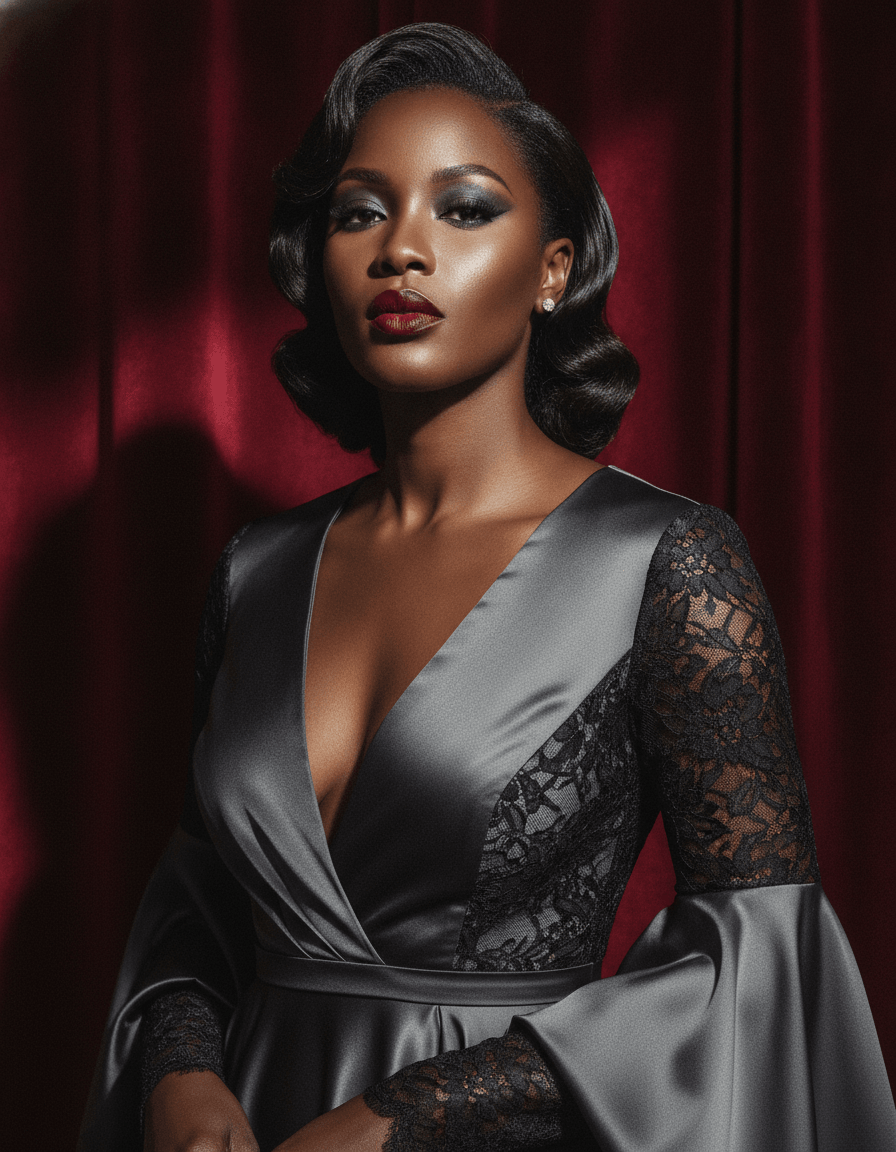 Glamour sample
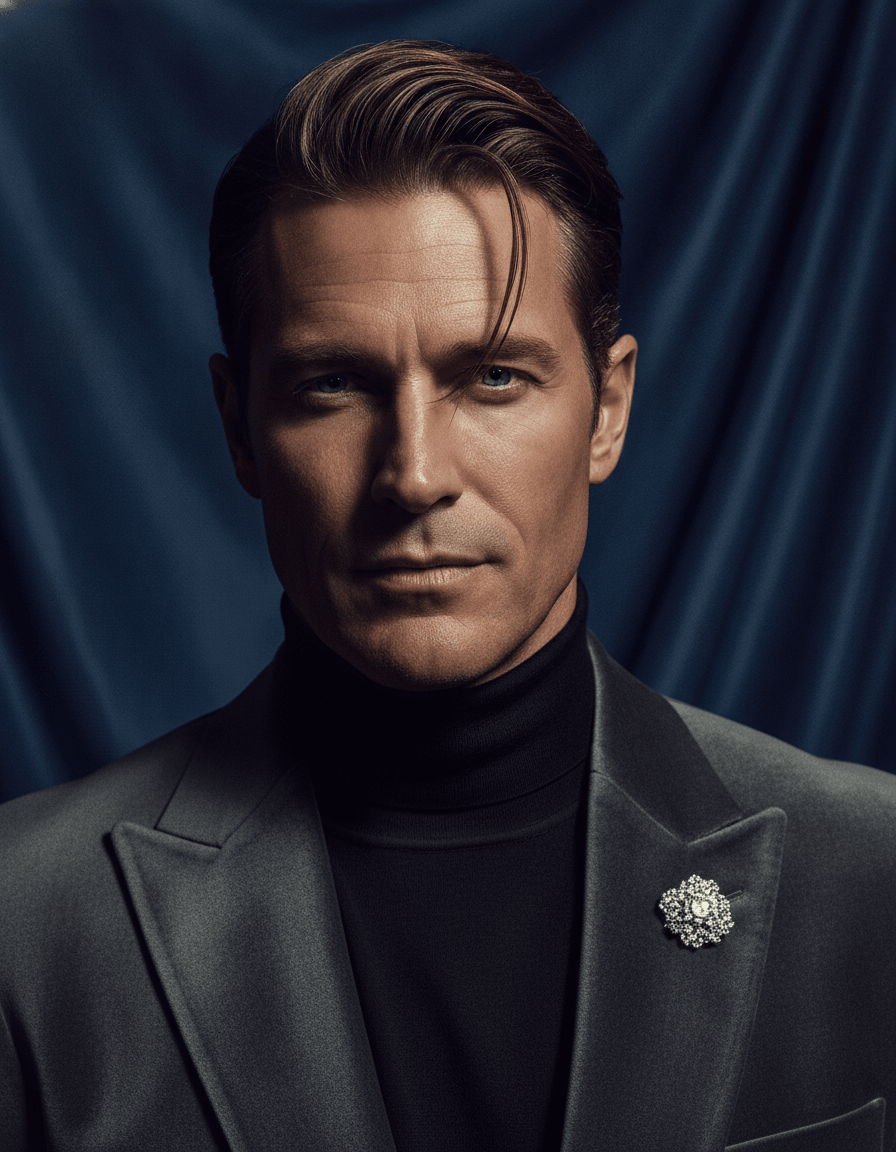 Glamour sample
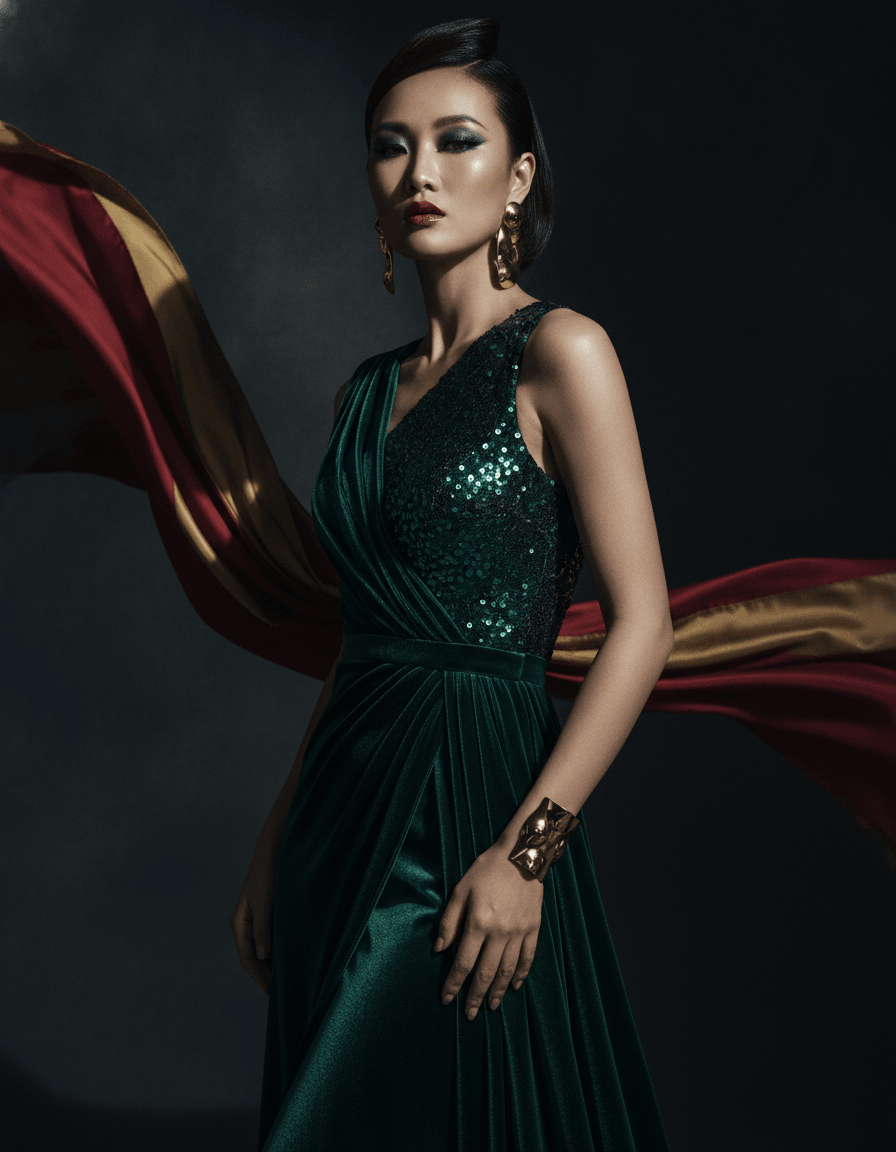 Glamour sample
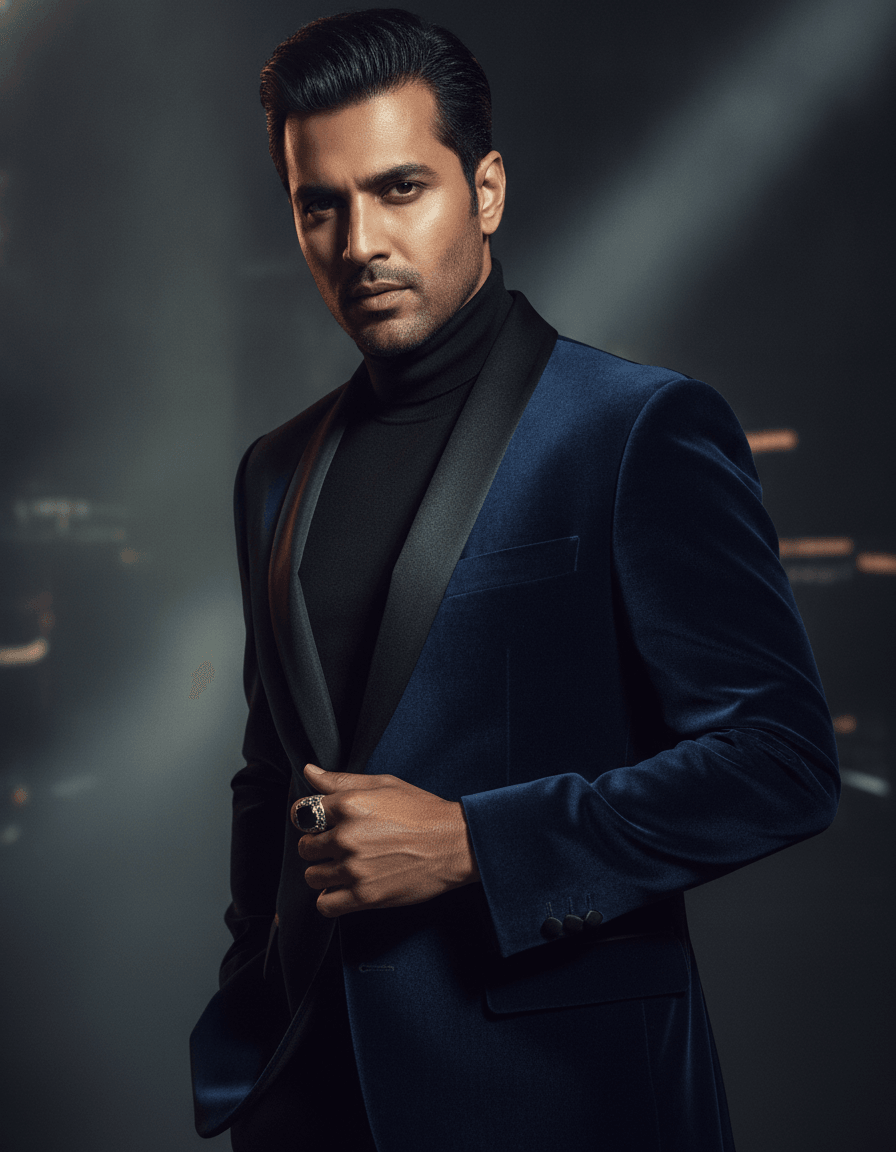 Glamour sample
To create glamour photos with AI, upload your selfies and choose the Glamour pack. The AI generates striking, editorial-style portraits with dramatic studio lighting, polished styling, and a high-fashion finish — perfect for portfolios and scroll-stopping social posts.
The Glamour pack turns your selfies into striking, editorial-style portraits — dramatic studio lighting, polished styling, and a high-fashion finish. It is for anyone building a modeling or creative portfolio, refreshing an artist or performer profile, or simply wanting a few bold, magazine-feel images that stop the scroll.
For the best results, upload clear, well-lit selfies with relatively neutral expressions so the dramatic lighting and styling carry the mood. The AI keeps your likeness while elevating the look; expect a set of high-impact frames to choose from. Glamour images reward detail, so export your favorites in 4K when they are headed for a portfolio print or a feature post where sharpness matters.
Range matters in a creative portfolio. Generate a few high-drama editorial frames alongside a softer, cleaner portrait so casting directors and followers see versatility, not just one look. Pair the pack with our retoucher or upscaler when you want to fine-tune a hero shot.
Editorial photography is usually the most expensive kind to commission, because it bundles a studio, lighting, styling, and hair and makeup into one booking. This pack collapses all of that into a single step, so you can test bold concepts that would be hard to justify paying for — a high-contrast beauty frame, a moody low-key portrait, a clean catalog look — and only keep the ones that genuinely elevate your portfolio. Treat it as a creative sandbox, then export the standouts in full resolution, where the dramatic lighting and fine detail read clearly on a large print or a profile feature.
How it works
- 1
Upload your selfies
Add a few clear, well-lit selfies so the AI can apply dramatic styling while keeping your likeness.
- 2
Choose the Glamour pack
Select the Glamour theme for editorial lighting, elegant styling, and a high-fashion finish.
- 3
Download your best shots
Pick the most striking results and export them in high resolution for portfolios or socials.
AI glamour photos vs. a traditional shoot
- Cost: an editorial studio session with a stylist runs into the hundreds; each generated image here is 3 credits, with packs from $29.
- Access: no need to book a photographer, stylist, and lighting crew — produce a polished set from your phone.
- Iteration: try multiple moods and styling directions in one sitting instead of committing to a single shoot concept.
- Detail: export hero frames in 4K for print-ready portfolio pieces and large social features.
- Control: keep your likeness throughout, so the finished images still look unmistakably like you rather than a generic model.
Why Glamour with ProPicStudio
Dramatic, editorial lighting
Polished, high-fashion styling
Great for portfolios and socials
Striking, scroll-stopping results
Tips for the best results
- Upload selfies with neutral expressions so the dramatic styling carries the mood.
- Glamour shots pop most as full-resolution exports for portfolio prints and feature posts.
- Pair a few editorial shots with a softer portrait so your portfolio shows range.
Related reading
Glamour FAQ
The headshot your reputation deserves
A few selfies is all it takes — studio-quality, board-ready headshots in minutes, guaranteed to look like you.