Profile Photos for Zoom and Virtual Meetings
When your camera is off, your profile photo represents you in every meeting. Get a polished, professional headshot for your Zoom, Microsoft Teams, and Slack avatars.
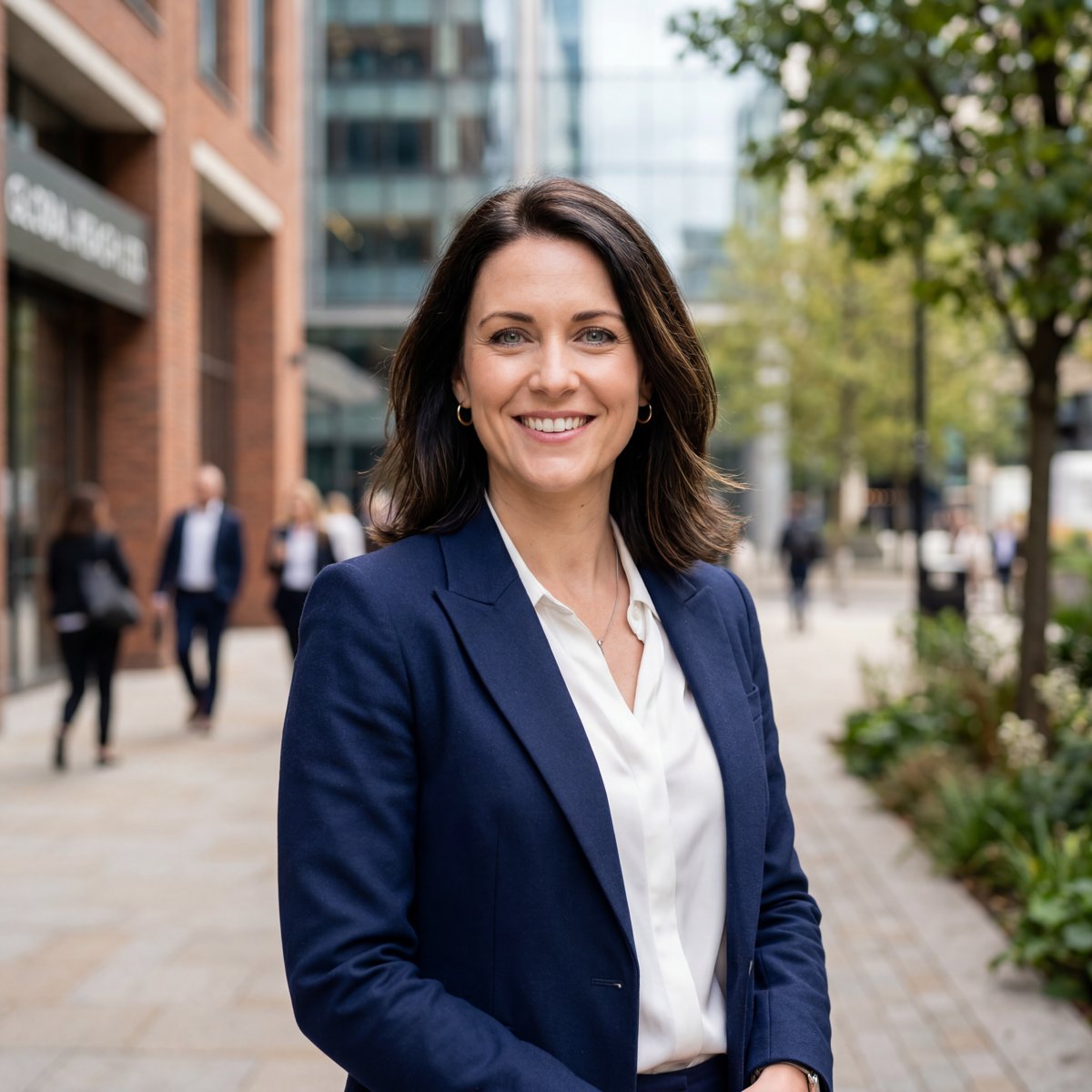 Zoom / Virtual sample
 Zoom / Virtual sample
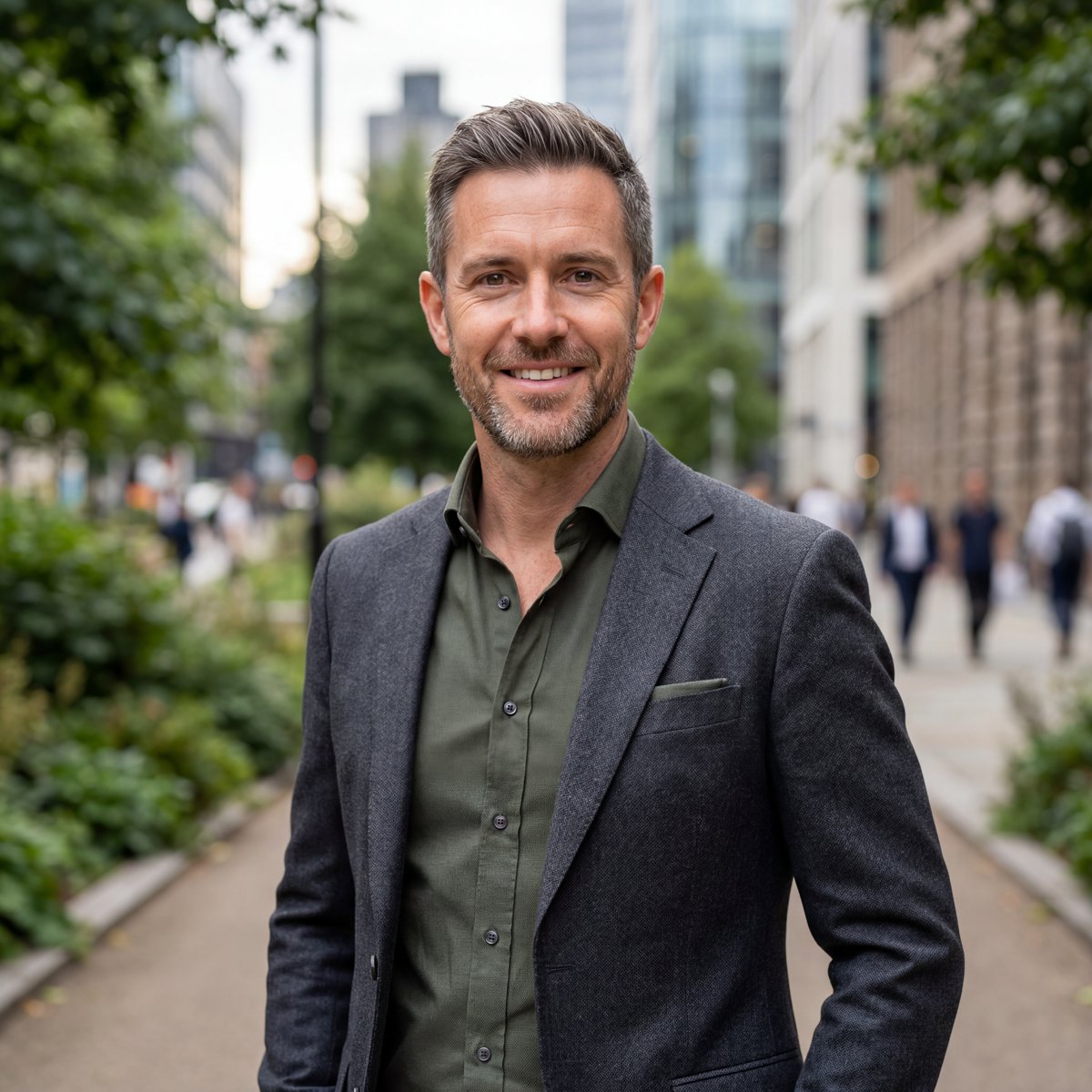 Zoom / Virtual sample
 Zoom / Virtual sample
For a Zoom or virtual-meeting profile photo, upload 6+ selfies to ProPicStudio and choose business-casual or smart-casual attire on an office or studio background. You’ll get 100+ polished, looks-like-you photos in minutes with a tight, clean crop that stays clear at small avatar sizes on Zoom, Teams, and Slack — backed by a 14-day money-back guarantee.
When your camera is off, your profile photo represents you in every meeting — and it shows up tiny on a crowded grid. A clean, tightly cropped headshot stays clear and professional at that size. ProPicStudio renders a polished, meeting-ready avatar from a few selfies in minutes.
Business-casual or smart-casual on a soft office or studio-gray background reads well small and avoids visual clutter when your photo shrinks — the warm, simple register the generator favors. The same shot works across Zoom, Microsoft Teams, and Slack so you look consistent everywhere you appear.
Use a tight crop with your face filling the frame, and have your team pick one shared background so everyone looks cohesive on the meeting grid when cameras are off.
For a clear meeting avatar, upload six to fifteen selfies in even light so the model renders a clean, professional portrait that stays sharp when it shrinks. The Starter pack ($29, 200 credits, roughly forty headshots at five credits each) is plenty for a profile refresh, while the Professional pack ($55) adds a free redo if you want another pass. You choose how many to generate, from ten up to a hundred per run, with forty a practical default. Business-casual or smart-casual on a soft office or studio-gray background reads well small and avoids clutter, and a tight crop with your face filling the frame is what reads clearest on a crowded meeting grid. The same shot works across Zoom, Microsoft Teams, and Slack. The 14-day money-back guarantee stays valid even after you download, and your selfies are deleted within 30 days, so updating your avatar is low-risk. If it is for a team, have everyone pick one shared background so the grid looks cohesive when cameras are off, and regenerate whenever your role or company changes.
How it works
- 1
Upload 6+ selfies
Add a few clear selfies; six is enough for the AI to produce a clean, professional avatar.
- 2
Pick a meeting-ready style
Choose business-casual or smart-casual attire on an office or studio background that reads well small.
- 3
Download your avatar
Get 100+ looks in minutes and set the clearest one as your Zoom, Teams, and Slack profile photo.
AI Zoom profile photos vs. a studio shoot
- Avatar-ready: a tight, clean crop stays clear at the small size meeting grids use.
- Team cohesion: a shared background makes everyone match when cameras are off.
- Cost: a one-time pack from $29 (5 credits per headshot) replaces a studio sitting for one avatar.
Why Zoom / Virtual with ProPicStudio
Clean business-casual and smart-casual looks
Office or studio backgrounds that read well at avatar size
Perfect for Zoom, Teams, and Slack profile photos
Camera-ready presence even when your video is off
Tips for the best results
- Use a tight crop with your face filling the frame — avatars are tiny, so a close crop reads clearest.
- A clean studio or office background avoids visual clutter when your photo shrinks on a meeting grid.
- Have the team pick one shared background so everyone looks cohesive when cameras are off.
Related reading
Headshots for other use cases
Zoom / Virtual FAQ
The headshot your reputation deserves
A few selfies is all it takes — studio-quality, board-ready headshots in minutes, guaranteed to look like you.